A Google review card is a powerful tool designed to help businesses increase reviews from their customers. Essentially, it is a physical card equipped with technology that simplifies the process for customers to leave a review on your Google Business Profile. These cards are designed to be user-friendly, making it easy for even non-tech-savvy customers to navigate the review process.
Why Are Google Reviews Important?
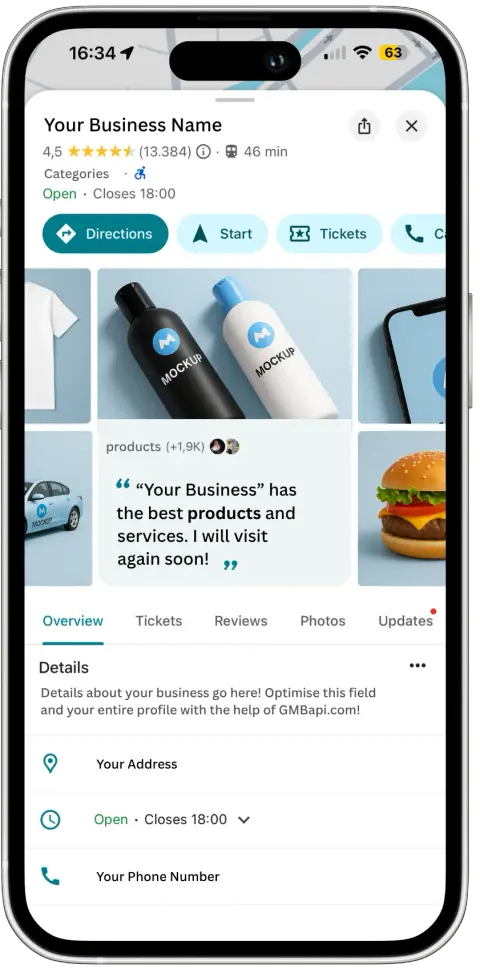
Google Business Profile reviews are crucial for businesses because they directly impact online reputation and visibility in search results. These reviews provide potential customers with authentic and unbiased feedback from other consumers, helping to build trust and credibility. Positive reviews can enhance a business’s appeal, leading to increased traffic and higher conversion rates. Additionally, frequent and recent reviews improve local SEO, helping the business rank higher in Google search results and become more visible for local searches.
Also read our blog about: The importantance of reviews on GBP
What Is a Google Review Card?
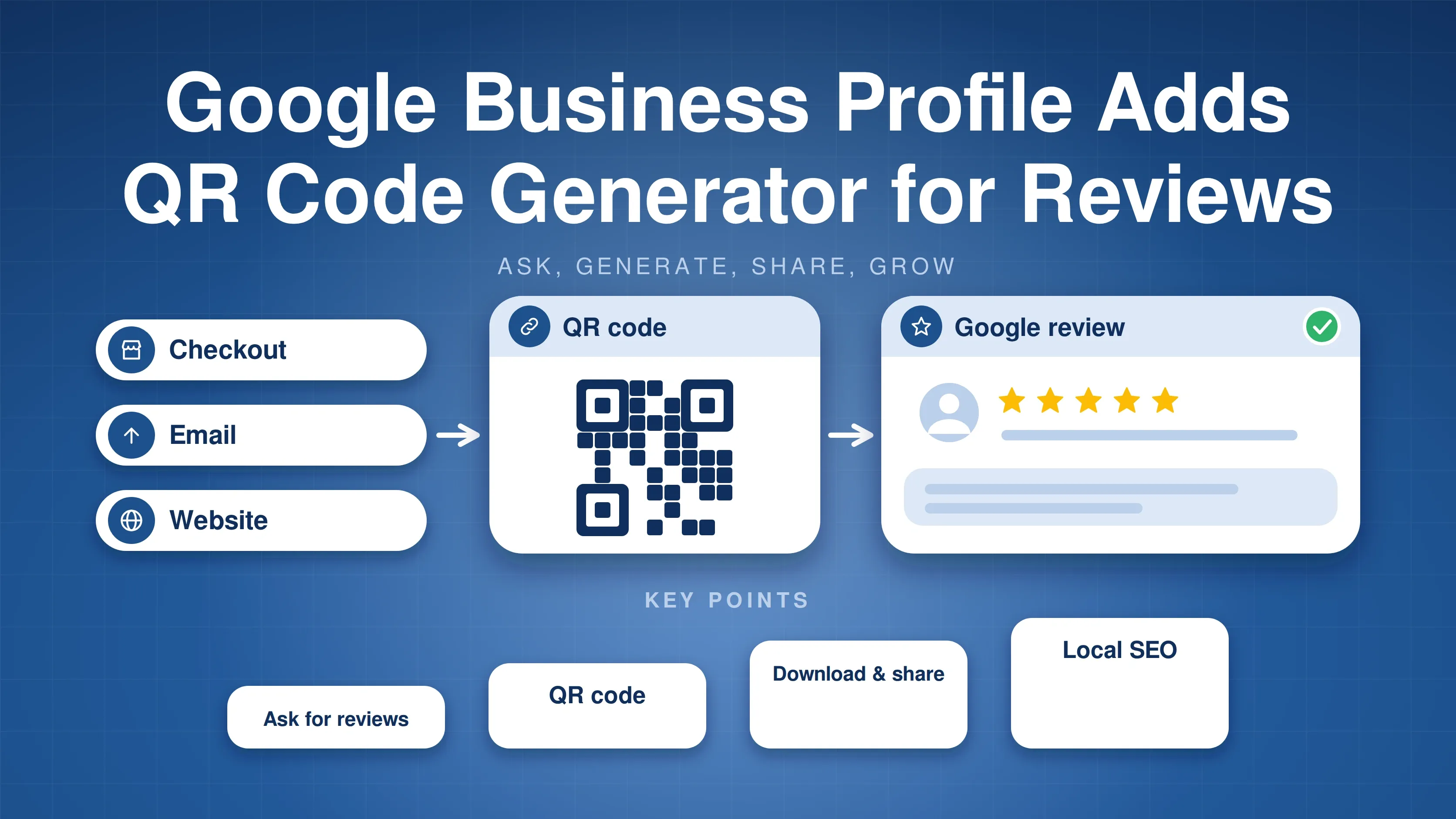
A Google review card is a small, portable card with key features such as an NFC chip and a QR code. When customers interact with the card, they are directed to the company’s Google review page, where they can quickly leave their feedback. This process reduces the barrier often associated with leaving online reviews, encouraging satisfied customers to share their positive experiences more readily.
How to Use a Google Review Card to Get More Reviews
1. Cards at Point of Sale
One of the most effective ways to use Google review cards is by displaying them at the point of sale. When a customer makes a purchase, give them a card and explain how to use it to leave a review. This is particularly effective because the positive experience is still fresh in their memory.
2. Personally Asking for a Review
Another effective method is to ask for a review personally after providing advice, a service, or delivering an order. Use the Google review card to request a review when the customer is satisfied with the service. This works well because customers are more likely to write a positive review when asked directly.
3. Place Cards in Busy Locations
Displaying Google review cards in high-traffic areas of your business, such as the checkout counter or
At the checkout counter
Place the cards at the checkout counter where customers can easily pick them up during checkout.
On tables
For restaurants, cafes, or other dining establishments, place the card on tables so customers can see and use them during or after their meal.
Waiting room
Place the cards in waiting rooms or lounges where customers have time to look at the card and consider leaving a review.
Encourage Reviews
Incentives
Offer a small reward, such as a discount on the next purchase or a chance to win something, in exchange for leaving a review.
Convenience
Ensure that the instructions are clear and easy to follow. The easier you make it, the more likely customers are to leave a review.
Wizard Card: Enhance Your Google Review Card Experience
A well-known provider of the Google review card is Wizard Card. Wizard Card offers a high-quality, personalised Google review card with various unique features to maximise effectiveness.
Personalised with Your Logo
Each review card is customised with your company logo, keeping your brand front and center every time a customer uses the card. This not only strengthens your brand identity but also adds a professional touch that customers will appreciate.
NFC Technology
In addition to the personalised logo, Wizard Card uses advanced NFC technology, allowing customers to leave a review with a simple tap of their phone. Read more about “What is NFC?“
QR Code for Universal Accessibility
For those with older devices, the included QR code ensures universal accessibility, making it easy for any customer to leave a review. Scanning the QR code takes the customer directly to your Google review page, making the process seamless for everyone.
Increase Your Review Numbers
By using the innovative Google review card from Wizard Card, businesses can significantly increase the number of received reviews, improve their online reputation, and attract more potential customers. The cards are priced at €14.95 excluding VAT each and are standardly delivered to the Netherlands, Belgium, and Luxembourg.
Read more about local SEO in our blog.