Protecting your brand’s reputation across hundreds or thousands of locations takes time most teams don’t have. Our latest product release is built to give multi-location brands and agencies more control over customer feedback: AI review automation with safety rules and smarter filtering that cuts the noise and protects your brand voice at scale.
Here is everything now live on GMBapi.
Tailor Your Workspace: In-App Notification Filtering
Up until now, your in-app feed showed you everything all at once, from completed edits and local scans to Google updates and verification statuses.
That full view is still there if you want it. You can now filter your feed down to the updates that matter to your daily workflow. Go to Settings > Notifications > Notification Type and select the categories you want to track, like location edits or bulk posting.
Once saved, your view is instantly streamlined. Your notification bell and in-app messages will only trigger for the categories you’ve chosen.
Note: This filtering applies to in-app notifications only. Your email subscription preferences are separate and aren’t affected by these toggles.
Track Performance: Weekly Location Group Emails
Managing a multi-location estate shouldn’t mean checking dashboards constantly. Selected managers now receive a weekly performance email for each location group.
What’s inside the weekly report?
Every week, selected managers receive a high-level performance snapshot designed to maintain total control over the estate:
Average Account Health
A percentage snapshot of your group’s overall optimisation status.
Highest Priority Recommendations
Clear, direct actions to protect and boost your local rankings.
Health Scale Mapping
A visual breakdown of exactly where individual locations sit on our health scale.
Core Business KPIs
Up-to-date performance metrics to track your weekly growth.
Review Sentiment Analysis
An AI-driven overview of customer feedback trends across your entire estate.
Language & Localisation
The email content automatically adapts to each user’s preferred language. The only exception is the review sentiment analysis, which dynamically follows your dashboard’s specific AI language settings.
Scale Smartly: AI Auto Reply Automation
The biggest addition in this update is the new AI auto-reply engine, part of our review management software. Go to Settings > Automation > Auto Reply to build customised auto-reply workflows across your location groups.
Tailored Configurations & Safety Rules
You can create multiple active configurations per location group, mapping them to specific locations (note: each location can only be assigned to one configuration at a time). To protect your brand voice, every configuration includes intelligent Safety Rules:
- Skip Replied Reviews: Automatically skips updated or edited reviews if they have already received a response.
- Text Exclusion: Automatically skips reviews that contain written text, allowing the system to focus body copy exclusively on star-only ratings.
Leave Skip replied reviews untoggled, and the moment a review is modified, the system triggers a fresh response or flags it to you for urgent approval, depending on your settings. That means your public reply always matches current customer sentiment. If a customer who got your automated thank-you note on a 5-star review later changes their rating to 1 star, your positive reply won’t stay live.
Dynamic AI Agent Rotation
Under Additional Rules, you can assign specific AI agents to different star ratings. To keep your responses feeling human and authentic rather than robotic, you can select up to three custom AI agents per rating. The system will randomly rotate between them to ensure varied, natural review responses.
Note: AI assistants can be fully tailored to your brand voice under the main Reviews tab.
Reply Windows & Delay Timers
You set the timing. Define specific reply windows, or set a delay timer, for example, 1 to 3 hours. That gives your frontline team a set window to reply manually before the AI steps in.
Manual Approval vs. Pure Automation
You decide how much autonomy the AI has:
- Approval Required: The AI instantly drafts a tailored response and pings you with a notification. The reply only goes live once you hit approve.
- Fully Automated: The system seamlessly drafts and posts the response automatically once your designated delay period has passed.
Filter with Precision: Advanced Review Filtering
To ensure you only view the most relevant feedback for the task at hand, we have expanded our filtering capabilities in the Reviews section. These new filters allow you to isolate exactly which reviews need your attention, tracking everything from automated statuses to pending workflows.
The new review filters available are:
Auto-Reply
Separate the reviews handled by your automation from those that need a personal touch.
Suggested Draft
Isolate reviews with an AI or team draft waiting. Open any review in this view to accept or reject the response straight away.
Google Reply Status
Filter reviews by whether Google accepted or rejected your published reply.
The Headline Filter: Uncovering Hidden Google Reply Rejections
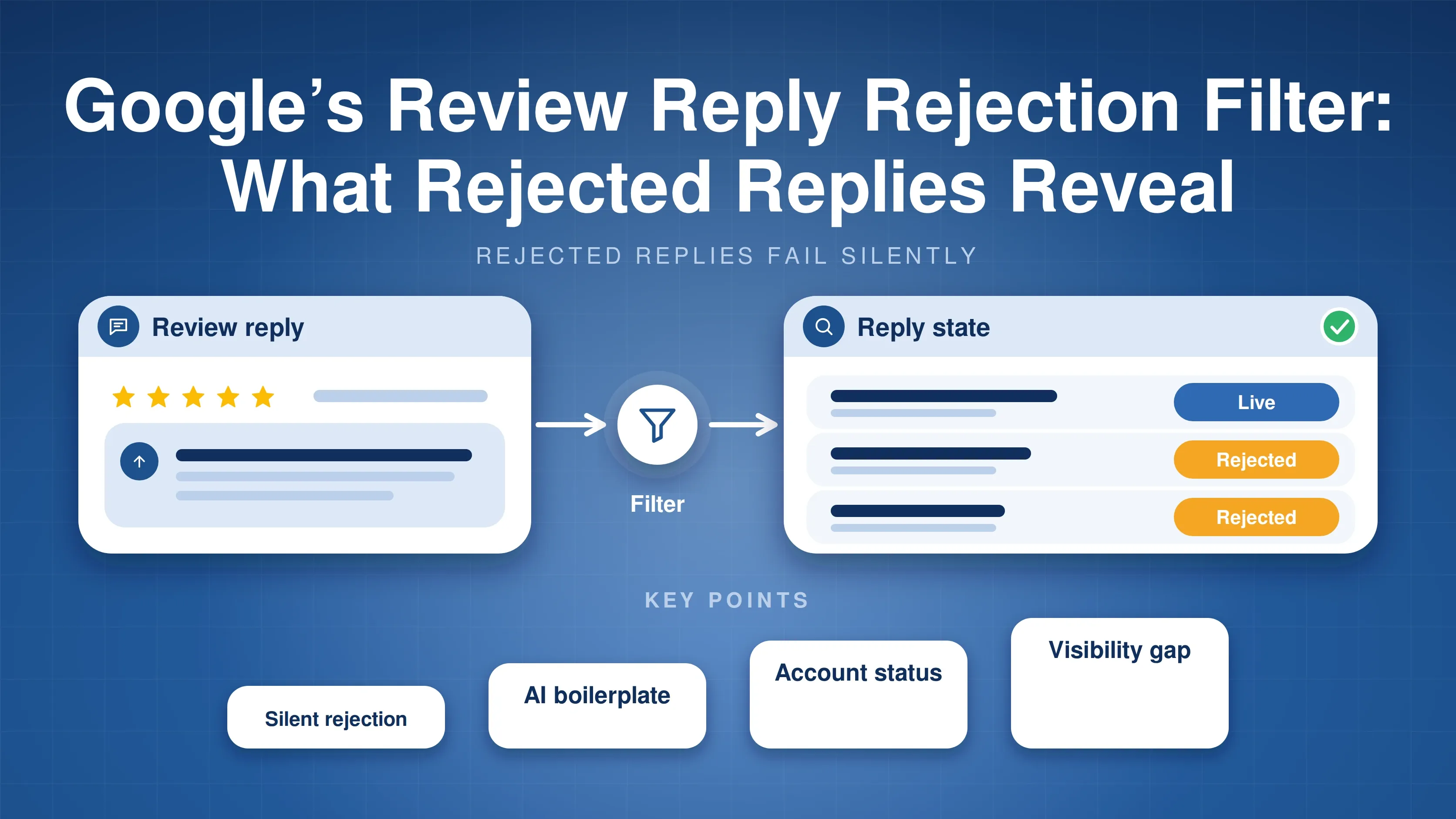
The most important new filter deals with something that catches most multi-location brands off guard: Google silently rejecting review replies.
When Google blocks a reply, it happens in total silence. There is no email notification, and no warning flag appears in the standard Google Business Profile dashboard. To the public, your reply simply never appears. Internally, Google marks it with a ‘Rejected’ state, a status that remains entirely invisible unless you have API-level access. Without a tool that surfaces this data, you are publishing into a black box.
The new Google reply status filter brings that data into view. GMBapi surfaces the exact review reply state for every response, and flags it if Google rejects a reply.
Filter for rejections, and you can see straight away which replies didn’t go live. If the wording is the likely cause, adjust it and resubmit. If replies keep getting rejected, whatever you write, the cause is probably account-level, and the fix starts with your Google account standing, not the copy. Our analysis of 12,752 rejected replies covers both.
Complete Control Over Your Brand Reputation
These updates are live and ready to use in your GMBapi dashboard now. With safety rules on your automation and precise review filtering, you can scale your response strategy without losing the human touch.
Log in to your GMBapi account to set up your auto-reply configurations, or explore our review management features to see the full toolkit.
Prefer our local search coverage?
Add GMBapi as a preferred source on Google so our articles show up more often for you.