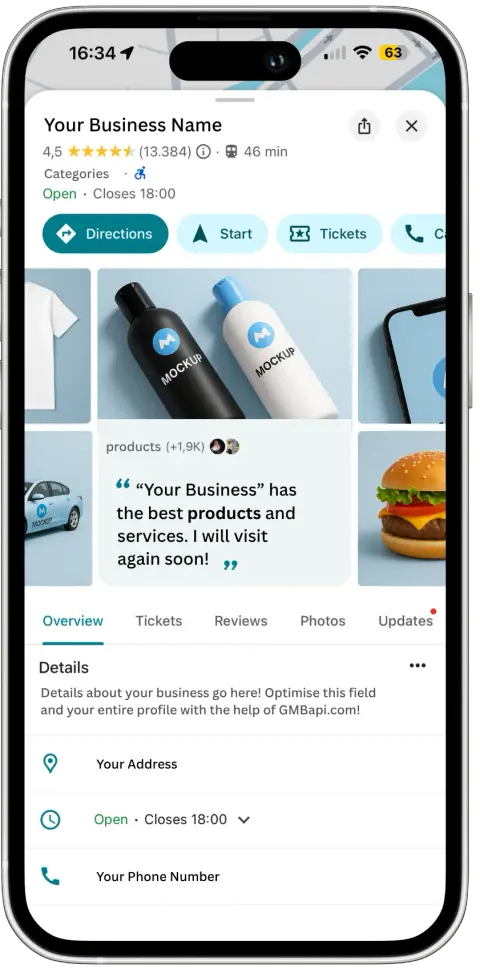
Today’s online reviews play a pivotal role in shaping consumer decisions and business reputations. Among the myriad platforms available, Google Reviews stands out as a trusted source of information, providing valuable insights into the quality of products, services, and customer experiences.
Google's review search is hidden behind a small magnifying glass. Once you find it, you can search a business's Google reviews for any word, dish, product, or staff name in a few seconds, on desktop or in the Google Maps app.
That covers what customers see. It doesn't cover what they don't see. In 2026, a growing share of reviews never get published, older reviews quietly disappear, and Google now moderates the replies businesses write. This guide shows you how to search Google reviews, and where the search falls short.
In this guide:
- How to search Google reviews by keywords and topics
- How to search Google reviews by name
- How to search reviews for a specific business or competitor
- How to find your own Google reviews
- What Google reviews search can't show you
- How to search reviews across all your locations with GMBapi
How to Search Google Reviews by Keywords and Topics
Keyword search is the fastest way to read the reviews that matter. Instead of scrolling through hundreds of reviews, you type one word and Google returns only the reviews that contain it.vOutlined below are three simple steps to search Google reviews by keyword:
Step 1: Search Businesses on Google Maps
Begin by searching for businesses on Google Maps using their full name, type of business, or relevant keywords. Upon receiving search results, you can further narrow down your options by filtering businesses based on specific ratings.
Step 2: Choose a business
Identify the business that aligns with your preferences and click on the “Reviews” tab. Here, you’ll gain access to reviews from other customers, with options to filter reviews by popular keywords and sort them based on their recency, relevance, and rating.
Step 3: Search reviews using keywords
To pinpoint reviews containing specific keywords, simply click on the magnifying glass icon, enter your desired keyword (for example "parking", "gluten free", or "wait time") into the search box, and hit “Enter.”
Step 4: Use Sort to get a quick answer
To get the most relevant ones, try switching between Most relevant, Newest, Highest, and Lowest.
Review Search Feature
Utilising the review search feature gives users insights into other customers’ experiences with the business. However, it’s essential to recognise that Google reviews are subjective and not all are entirely reliable or accurate. Therefore, it’s advisable to analyse multiple reviews to assess the overall sentiment before forming judgments.
How to Search Google Reviews by Name
Google doesn't offer a reviewer-name filter. A name search only returns reviews where that name appears in the review text. That's still useful, as long as you know what it can and can't find.
Search for a staff member's name
Type the employee's first name into the review search box. You'll see every review that mentions them, which makes this the quickest way to find praise for your team or spot a recurring complaint. Search common spellings and nicknames too ("Kate", "Katie", "Catherine"). Google explicitly banned businesses from asking customers to mention staff names in reviews as of April 2026 (here).
Find reviews written by a specific person
Click a reviewer's name or profile picture on any review. If their contributions are public, Google opens their profile with the other reviews they've written. You can't search a business's reviews by reviewer name directly.
Search for a product, dish, or brand name
The same box works for product names, menu items, brands you stock, and service names. A hotel can search "breakfast", a dealership can search a model name, a clinic can search a treatment.
How to Find Your Own Google Reviews
Customers and business owners look for their reviews in different places.
Reviews you've written: open Google Maps on your computer, click Menu at the top left, select Your contributions, then click Reviews. From there you can edit, delete, or share each review.
Reviews of your business: search your business name on Google while signed in to the account that manages the profile, then open Reviews from your Business Profile. You can read and reply, but you can't filter by keyword, rating, or date there. For that, use Google Maps search (above) or a review management tool.
What Google Reviews Search Can't Show You
Search only shows what's live. Over the last 18 months, the gap between the reviews customers write and the reviews anyone can find has grown, and Google review search can't see any of it.
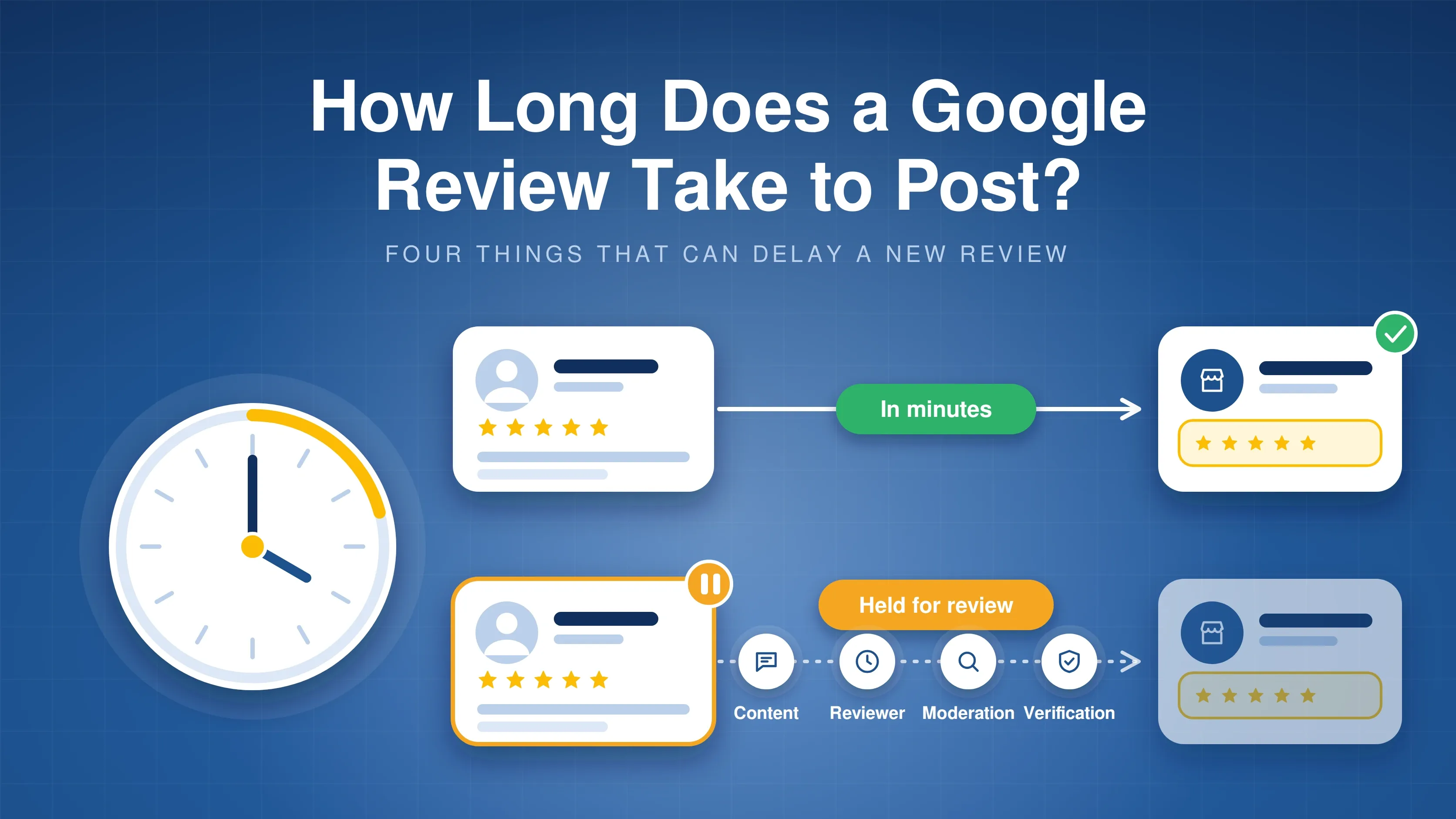
Around one in five reviews never gets published
A review that's written isn't a review that's live. Google's filters hold back reviews they judge suspicious, for example reviews arriving in bursts, from new accounts, or containing links or contact details. The customer often still sees their own review, so neither they nor you know it's missing.
What this means for businesses:
- Your public rating and review count can lag behind your real customer feedback.
- A review campaign can stall without any warning from Google.
- Profiles flagged for suspicious review activity can have new review posting temporarily blocked.
Older reviews get deleted
Reviews disappear long after they were posted. In our analysis of deleted reviews across tens of thousands of locations, restaurants and brick-and-mortar retailers lost a meaningful share of reviews that were more than two years old. In July 2025, nearly 1,200 of the locations we monitor (about 2%) lost at least one review in a single week. And 5-star reviews are hit hardest in many categories: in our 5 million review study, 73.1% of deleted reviews were 5-star reviews.
Read more: Deleted Google reviews: what AI and law reveal and How and why Google is deleting reviews.
Your replies are now moderated, and some get rejected with a reason
Google now screens every business reply before it goes public. Each reply carries a status: Pending (being checked), Approved (live), or Rejected (Google refused to publish it). Since the Business Profile API v4.9 update, rejected replies also come with a reason code. We analyzed 12,752 rejected replies. Read the full analysis: Google's review reply rejection filter: what 12,752 rejected replies reveal and Google's new moderation layer for review replies.
Why These Changes Matter for Your Business
Your review profile is now a moving target. What customers see depends on what Google publishes, what it keeps, and which of your replies it approves.
- Your rating is less in your control. Deleted 5-star reviews pull your average down, and unpublished reviews never count.
- Silence costs trust. A rejected reply looks like no reply. Customers read that as a business that doesn't care.
- Reply rate and response time drift. Rejected replies don't count, so your real reply rate can be lower than your team thinks.
- AI answers read your reviews. Assistants like ChatGPT, Gemini, and Perplexity use review content to recommend local businesses, so missing reviews and missing replies weaken your visibility there too.
- Multi-location brands feel it most. With 50 or 500 locations, nobody can check every review and every reply by hand in Google Maps.
Search Google Reviews by Keyword with GMBapi
With our tool, GMBapi's Review features, it’s possible to search Google reviews by keyword.
1. Start your free trial today
2. Open the dashboard and click on > Reviews Google. Here you can find an overview of your reviews.
3. Click on the search bar and type the keyword you want to search within your reviews. For example ‘’service’’
4. A list of reviews containing the keyword ‘Service’ will appear.
5. You can sort the reviews per rating
6. You can use the tool to respond directly to good or bad reviews. We have an AI feature that can answer reviews for you. You only have to check the response and post the reply.
GMBapi for Google Review Management
Our Google review management functionality aims to efficiently oversee your organisation’s online reputation, requiring just one hour per week of your time investment.
With a single click, you can effortlessly respond to any Google review or query, utilising our AI-generated suggestions or pre-set templates. Additionally, identify areas needing support from a reputation management standpoint in a seamless manner.
See the average rating per location, reply rate, average response time and location health
Conclusion
Experience the ease of managing your Google reviews and maintaining your online presence with GMBapi.
Prefer our local search coverage?
Add GMBapi as a preferred source on Google so our articles show up more often for you.