How to Add Your Business to Google?


What to Do If Some Else Owns the Business Listing?
Adding your business to Google is crucial for enhancing its online visibility and accessibility to potential customers. Google Business Profiles (GBP) offers a powerful platform for businesses to manage their online presence, interact with customers, and boost local SEO. In this guide, we will walk you through the step-by-step process of adding your business to Google with GBP.
How to Add a Business on Google
Step 1: Sign up or log in to your Google Account
If you already have a Google account, skip to step 2. Otherwise, go to accounts.google.com to sign up for a new account. If you have an existing Google account, log in to proceed.
Step 2: Access Google Business Profiles
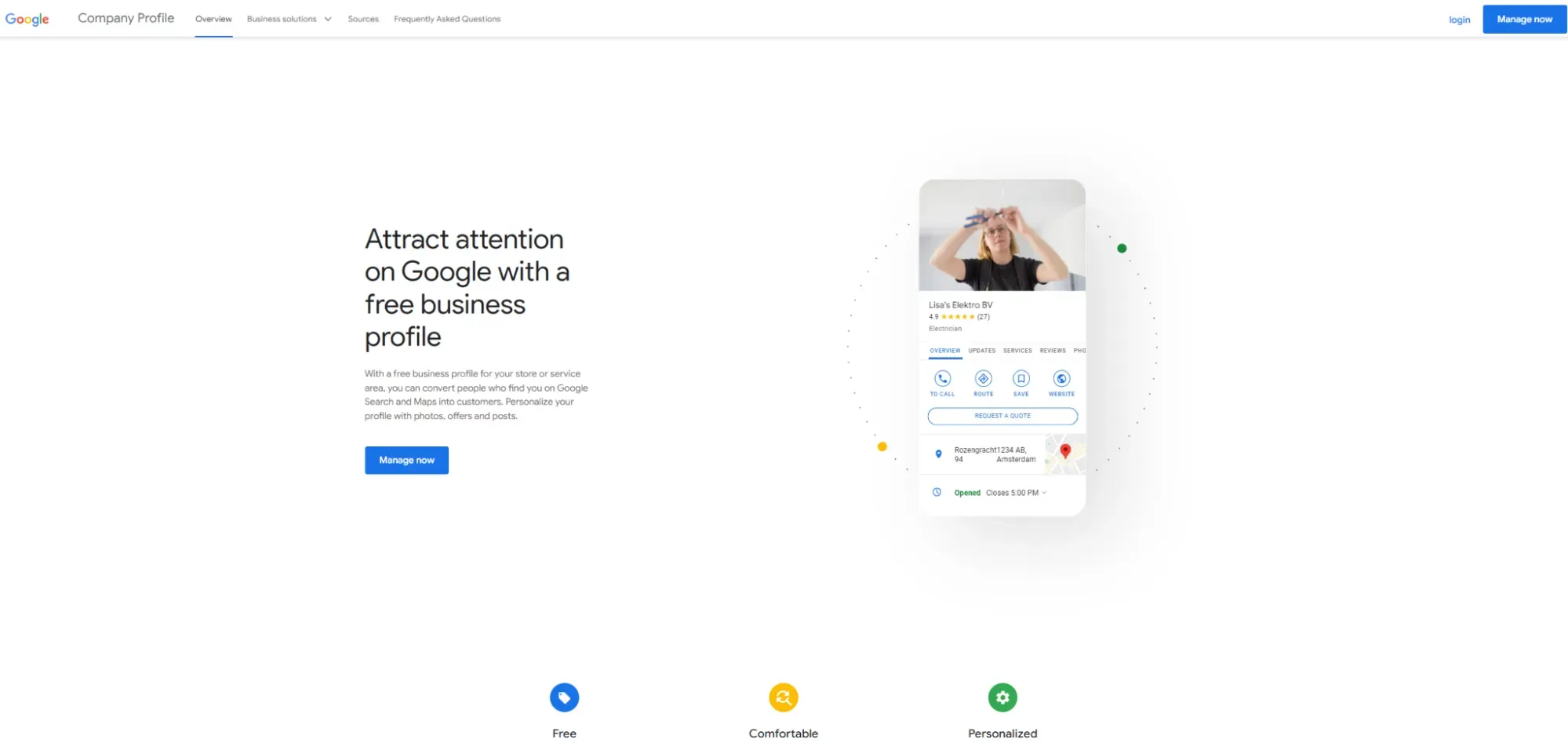
After logging into your Google account, go to the Google Business Profiles website by entering “google.com/business” into your web browser’s address bar.
Step 3: Start the business listing process
On the Google Business Profiles homepage, click the “Manage now” button to begin adding your business to Google.
Step 4: Enter your business name
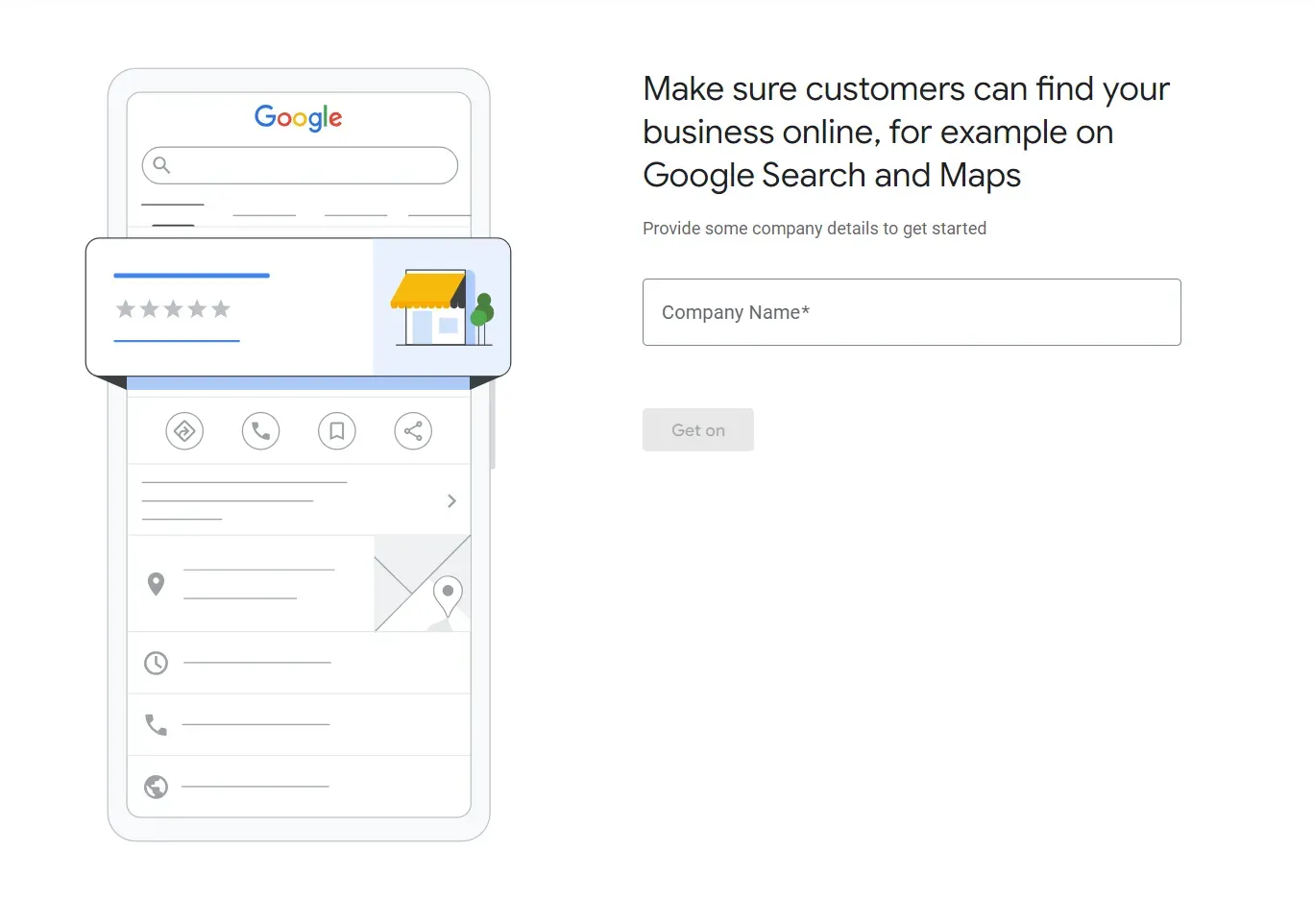
In the prompted window, enter your business name. Make sure it’s accurate and reflects your official business name.
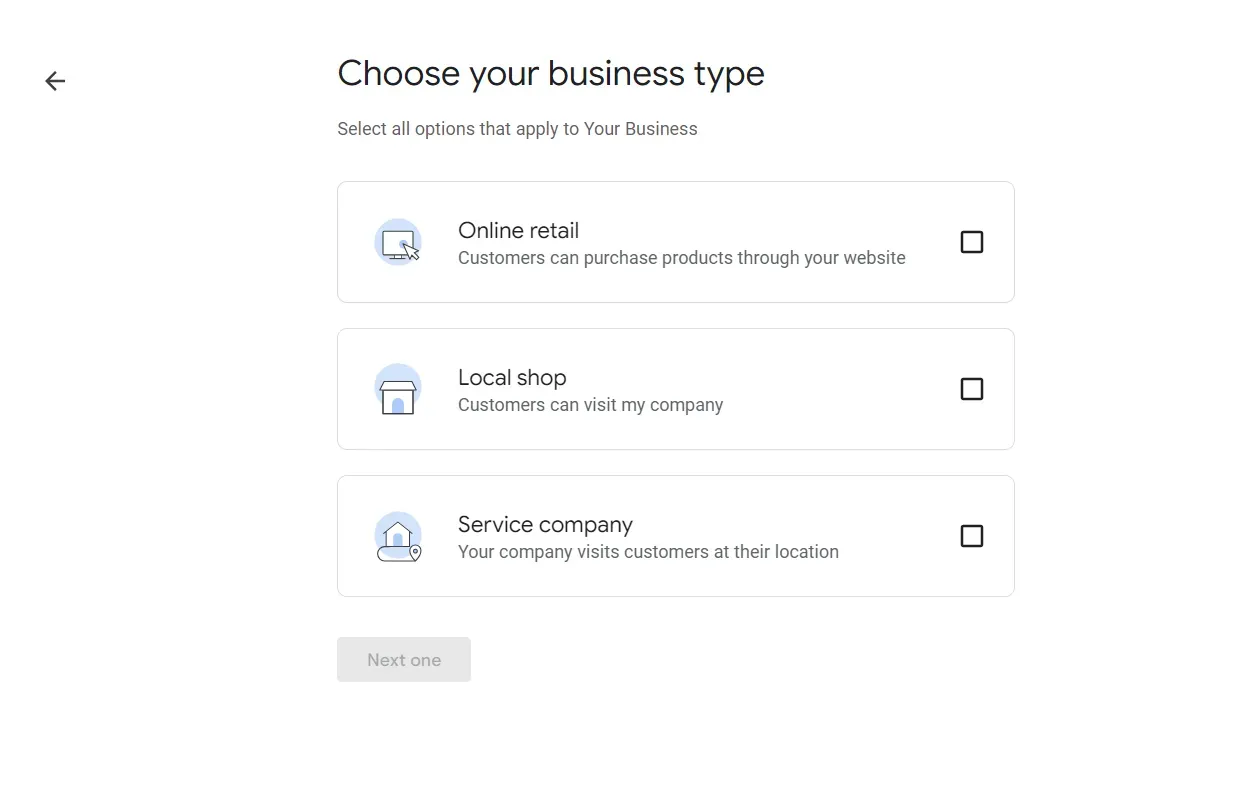
Step 5: Choose your business type
Select the category that best describes your business from the provided options. This helps Google understand what your business is about and improves its relevance in search results.
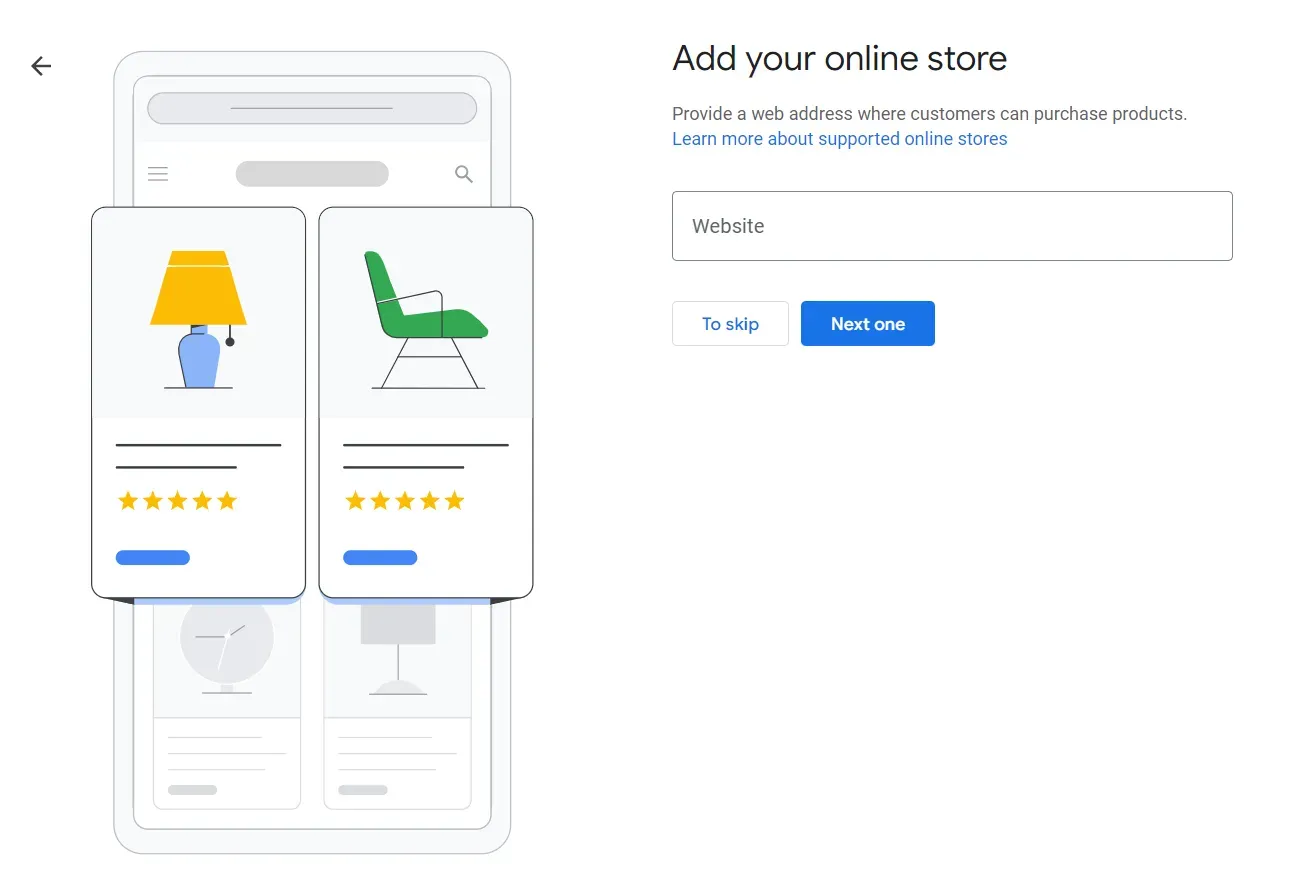
Step 6: Add your business website
Enter your business website, including UTM parameters.
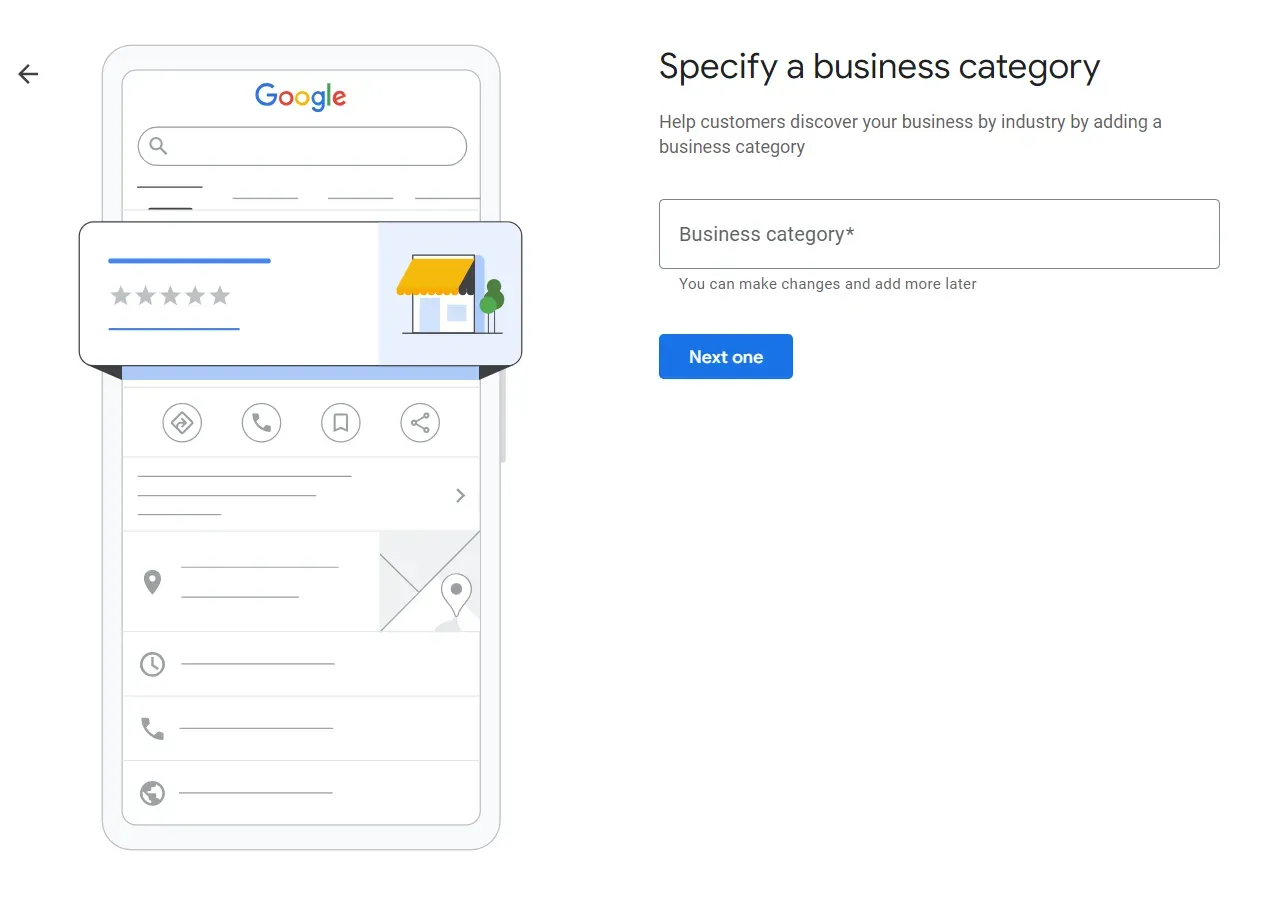
Step 7: Specify the business category
Choose the most relevant category for your business, this will become your primary category, additional ones can be added later.
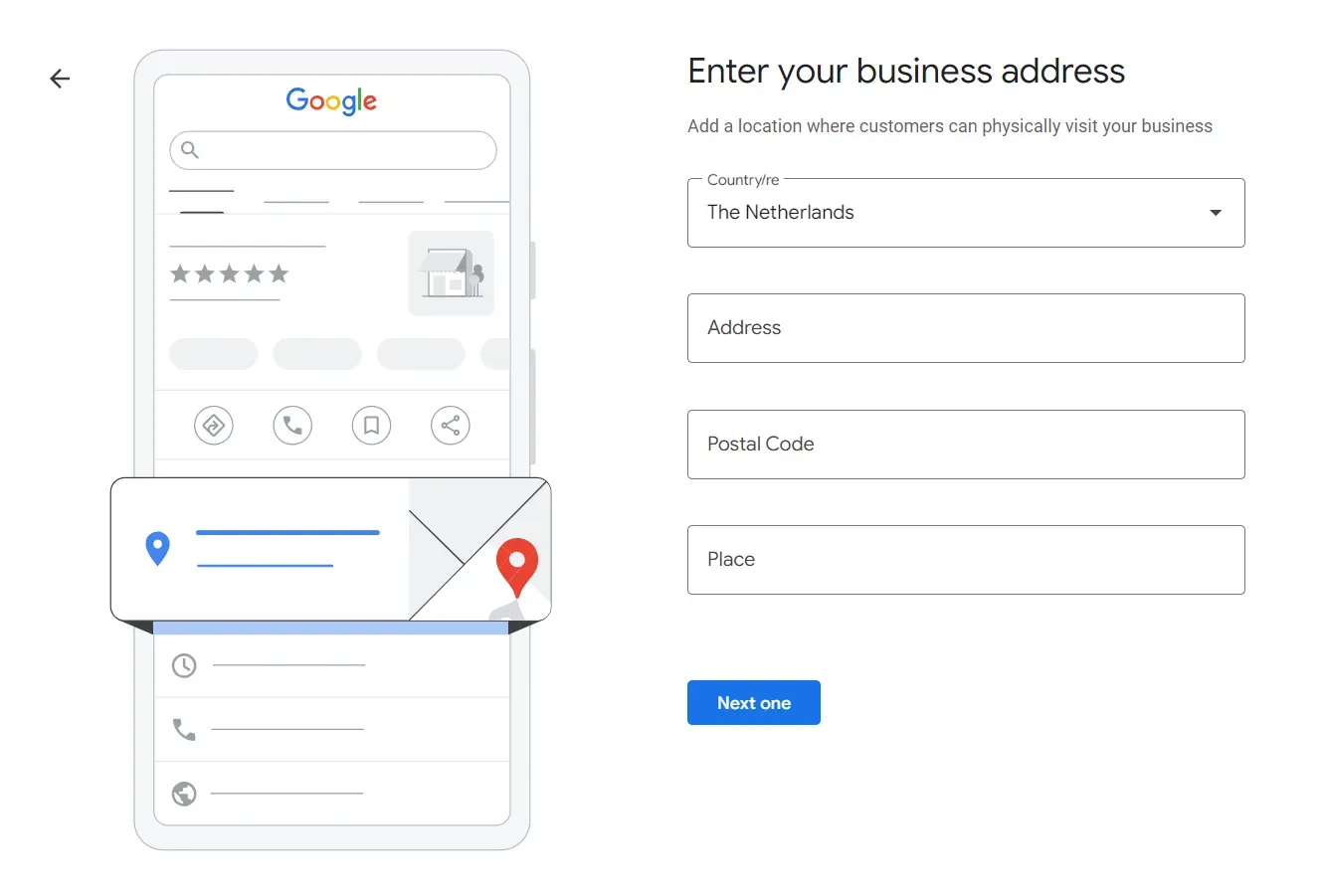
Step 8: Add your business address
Enter the physical location of your business, including the street address, city, state, and zip code. If your business operates in multiple locations, you can add them later.
Step 8a: Specify service areas (if applicable)
If your business provides services within a specific area rather than at a physical location, you can specify those service areas by entering the relevant cities, regions, or postal codes.
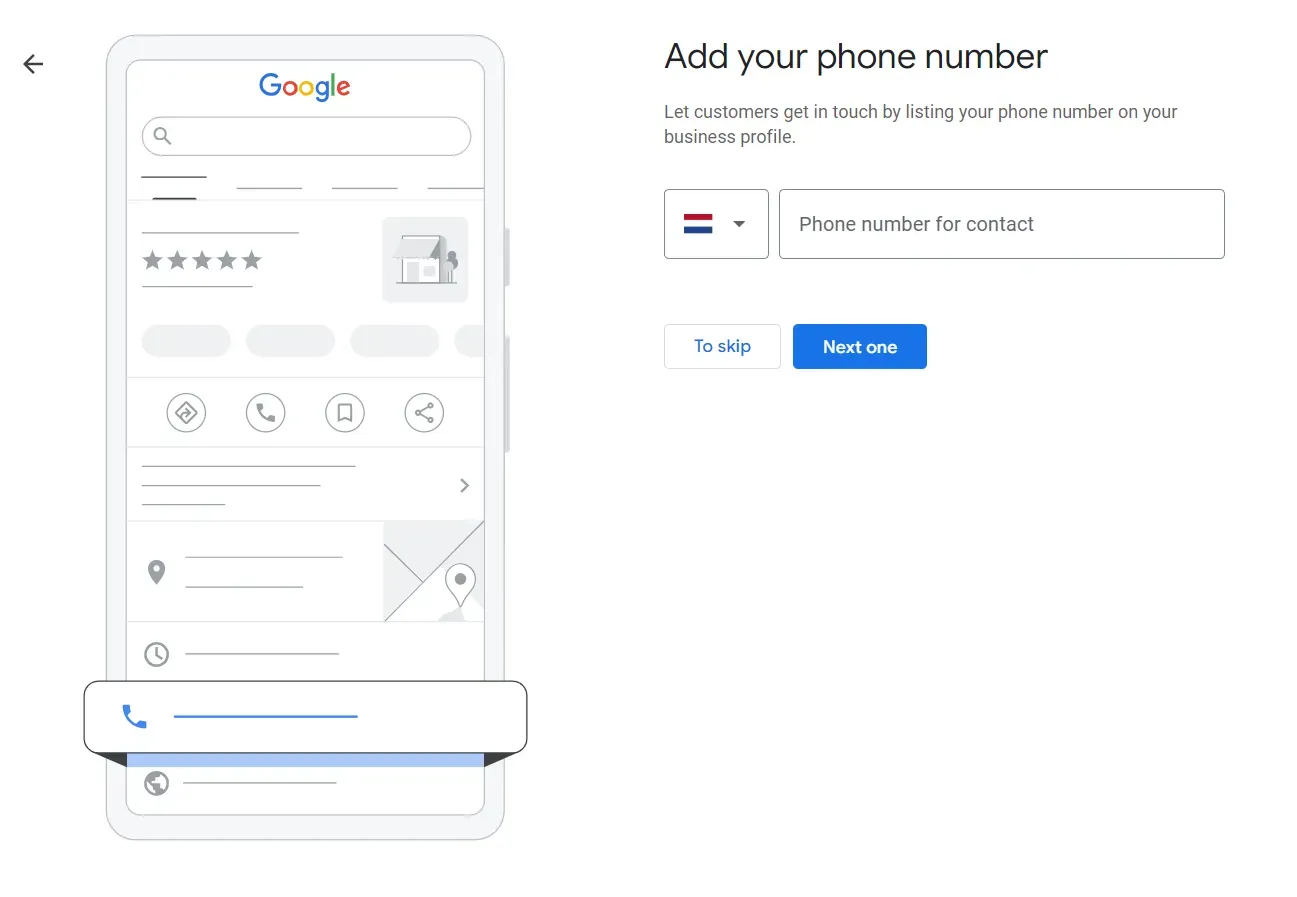
Step 9: Provide contact information
Enter your business phone number. This information helps customers contact you and learn more about your products or services.
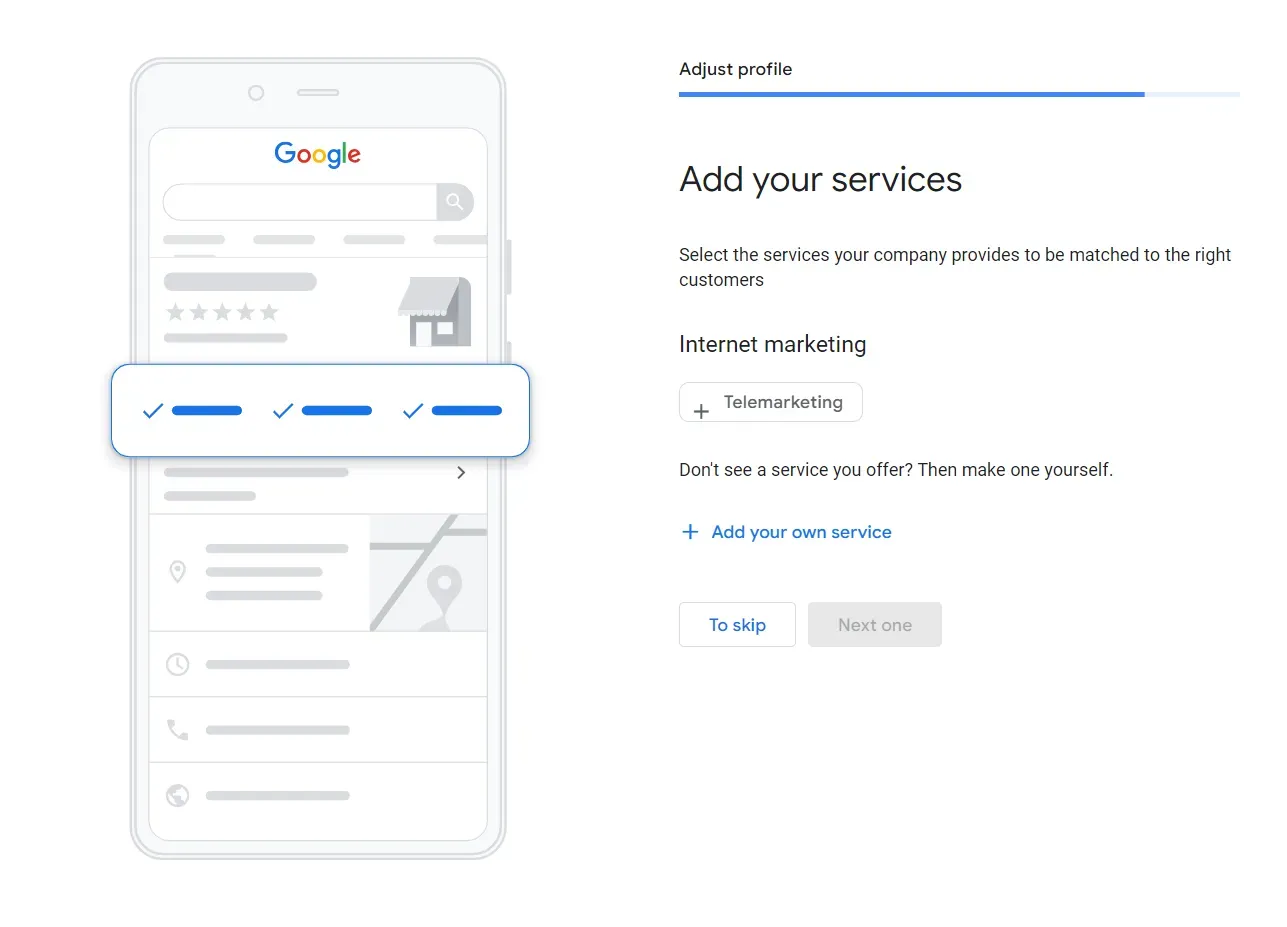
Step 10: Add your services
Select and add any relevant services that your business or company provides. This helps Google match the services provided to the customer searches.
Step 11: Optimise your business listing
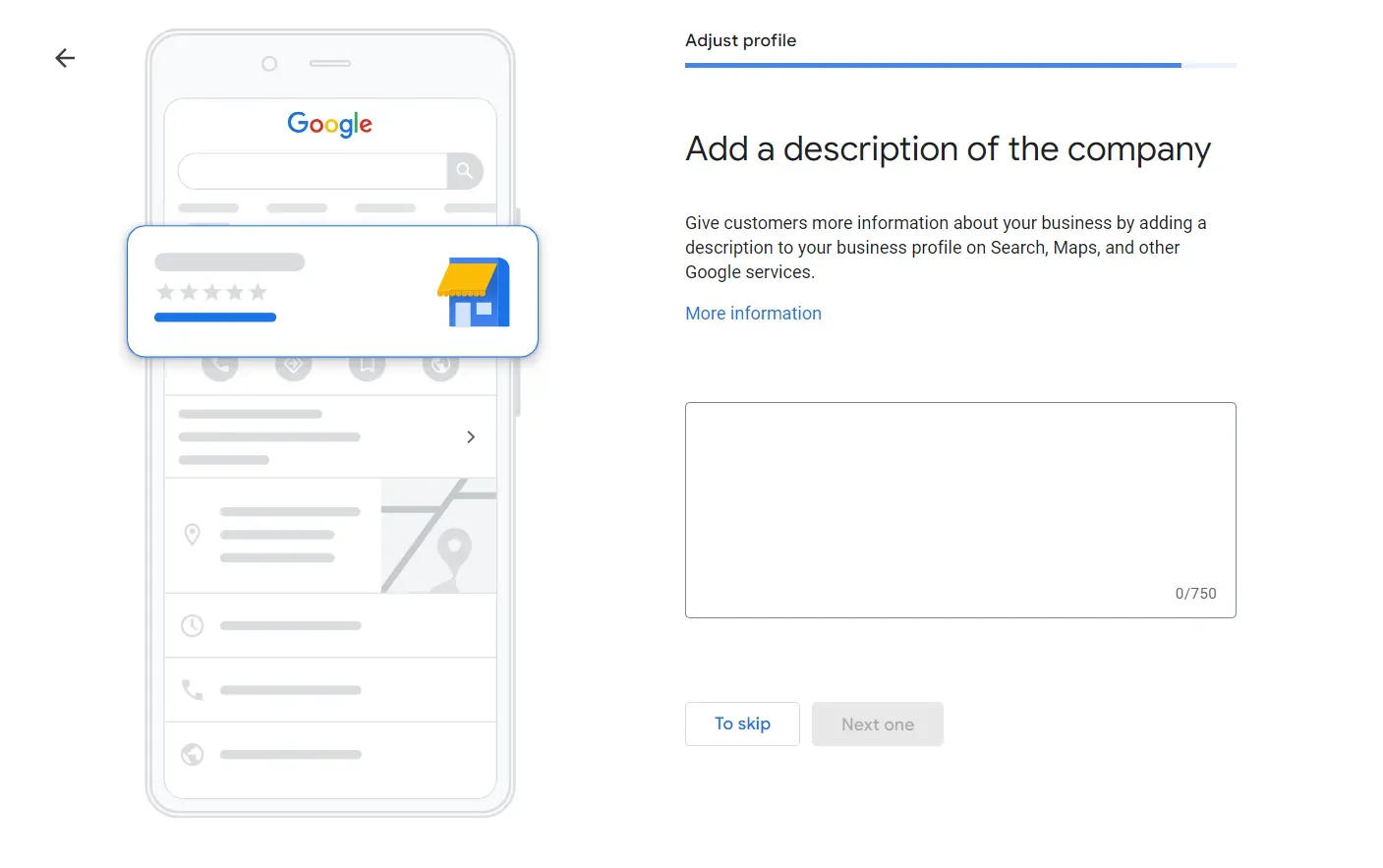
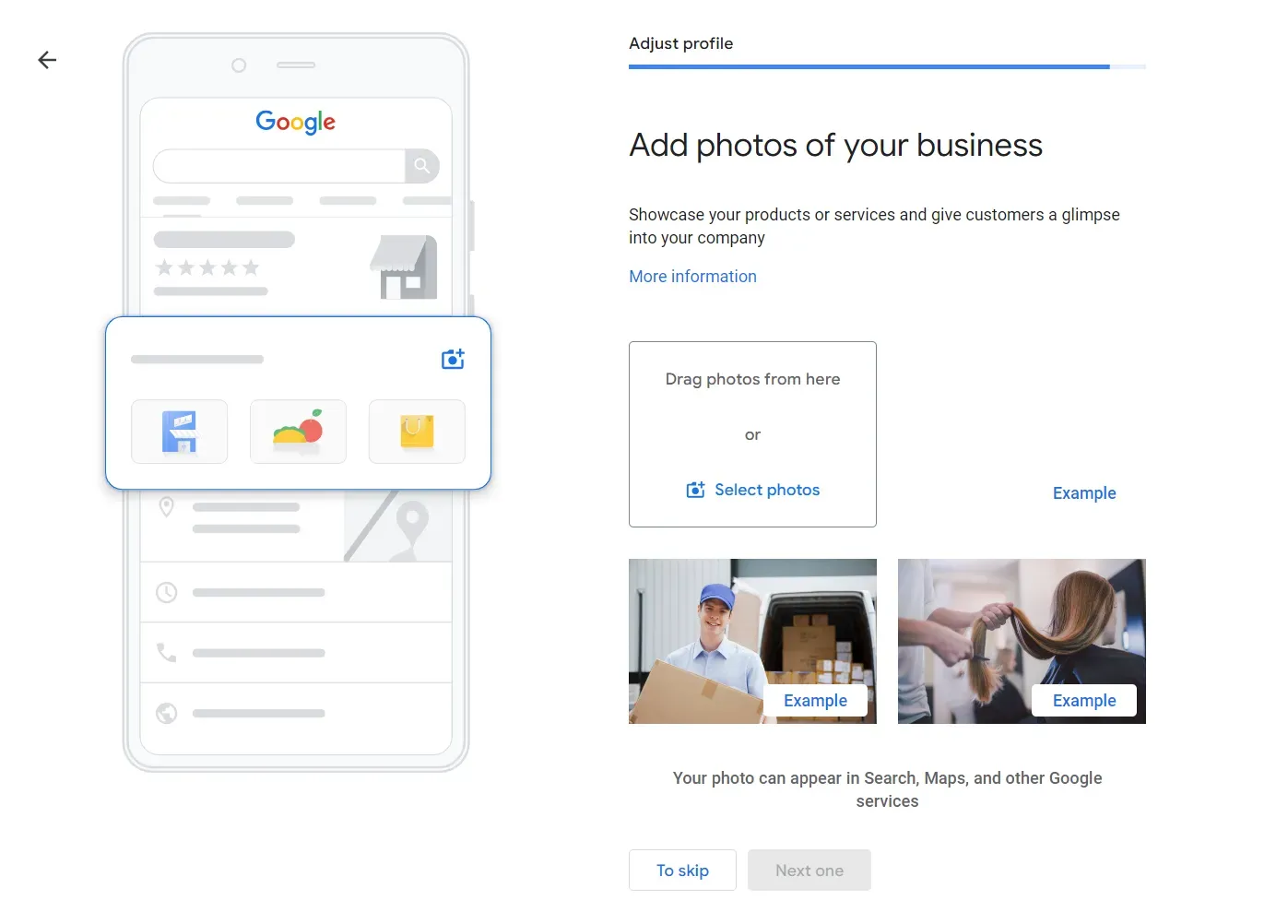
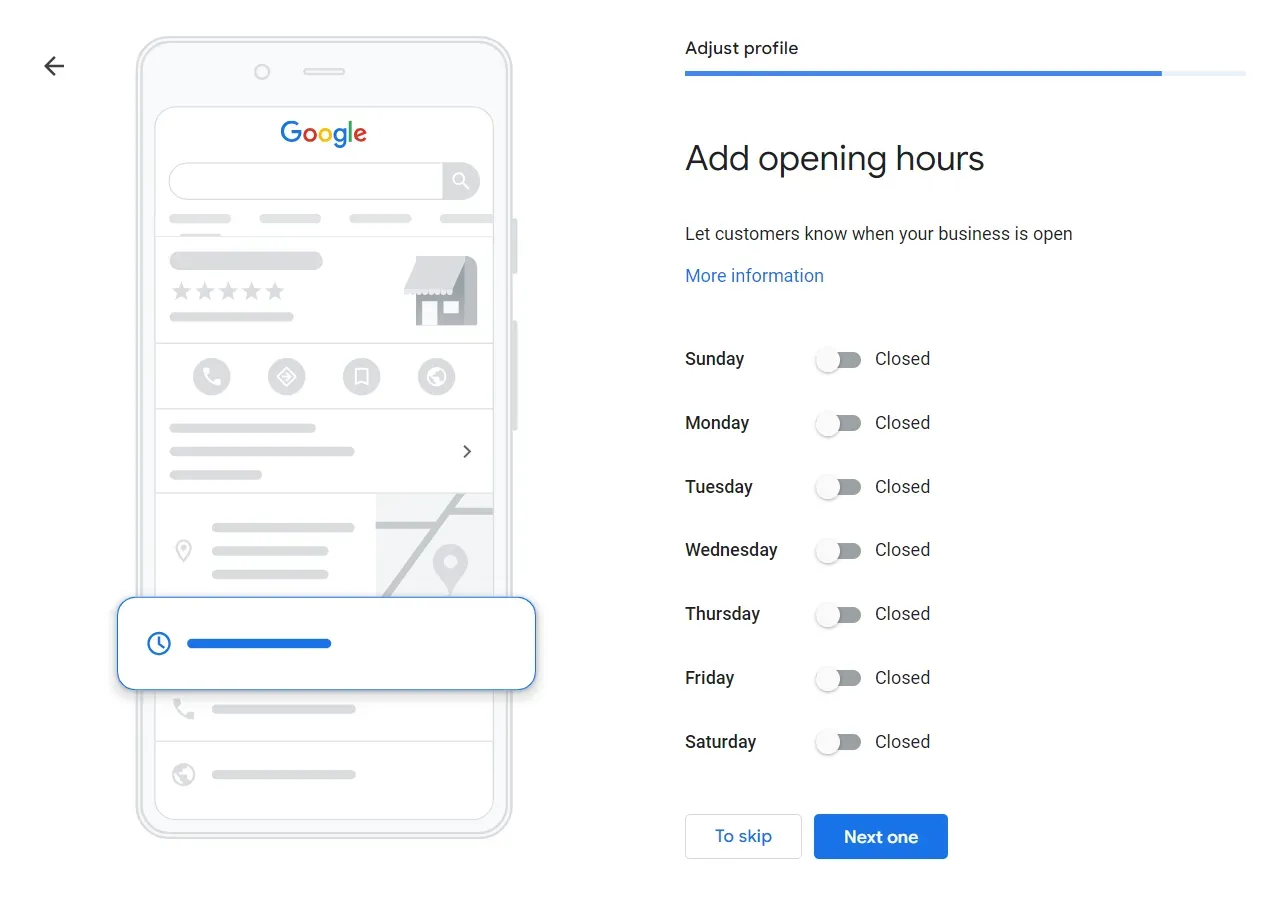
Take the time to optimise your GBP listing. Add photos, business hours, a detailed description, and any other relevant information to make your listing more appealing to potential customers.
Step 12: Verify your business
Google will require you to verify your business to ensure the accuracy of the information and prevent unauthorised edits. Verification options may include receiving a postcard by mail, a phone call, a video, or email verification, depending on your location and business type.
Also read the help page from Google about how to add your busines to Google.
Adding Your Business to Google
Adding your business to Google through Google Business Profiles is a simple yet essential step in establishing and expanding your online presence. Please keep in mind that Google’s guidelines and procedures may evolve. It’s advisable to regularly review Google’s official documentation or guidelines to stay informed about any updates or modifications to the process.
Take advantage of the features offered by GBP to engage with your audience, showcase your offerings, and drive more traffic to your business.
GMBapi - Your Multi-Location Local SEO Solution
Achieve higher rankings, master your reputation, and capture more business opportunities with GMBapi.com. Explore the features of our platform and understand why our software is the premier solution for accessing the Google My Business API.