Rebranding multi-location Google Business Profiles: A step-by-step guide

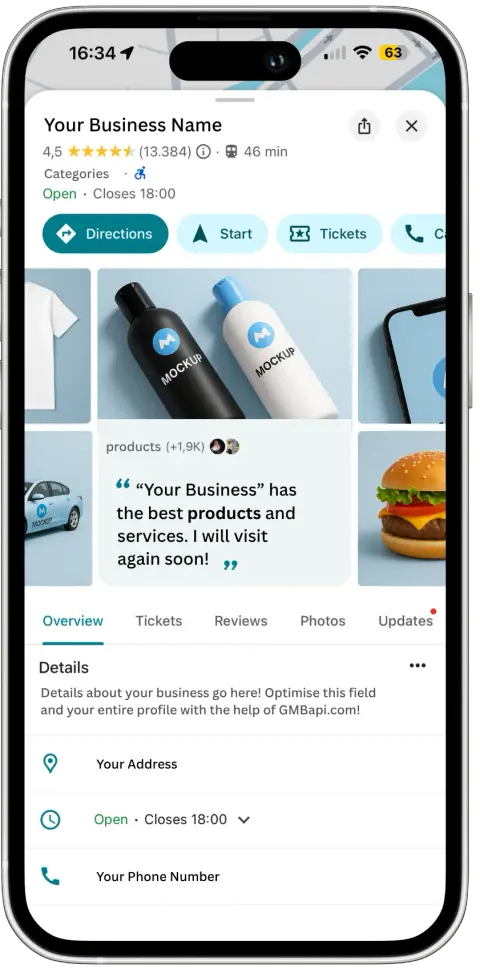
Your business description is an opportunity to explain your new brand. This description is part of your customer’s journey to your local stores and should talk about the values that drive your (new) brand. Craft a compelling description that conveys the essence of your new identity and what customers can expect from your business.

Google Business Profiles allows you to create posts to inform customers about your latest updates, events, and promotions. Take advantage of this feature to communicate your rebranding efforts. Share posts highlighting the changes and improvements you’ve made to your business. If old posts do not align with your new brand image, do multiple posts so you push old posts below the fold.
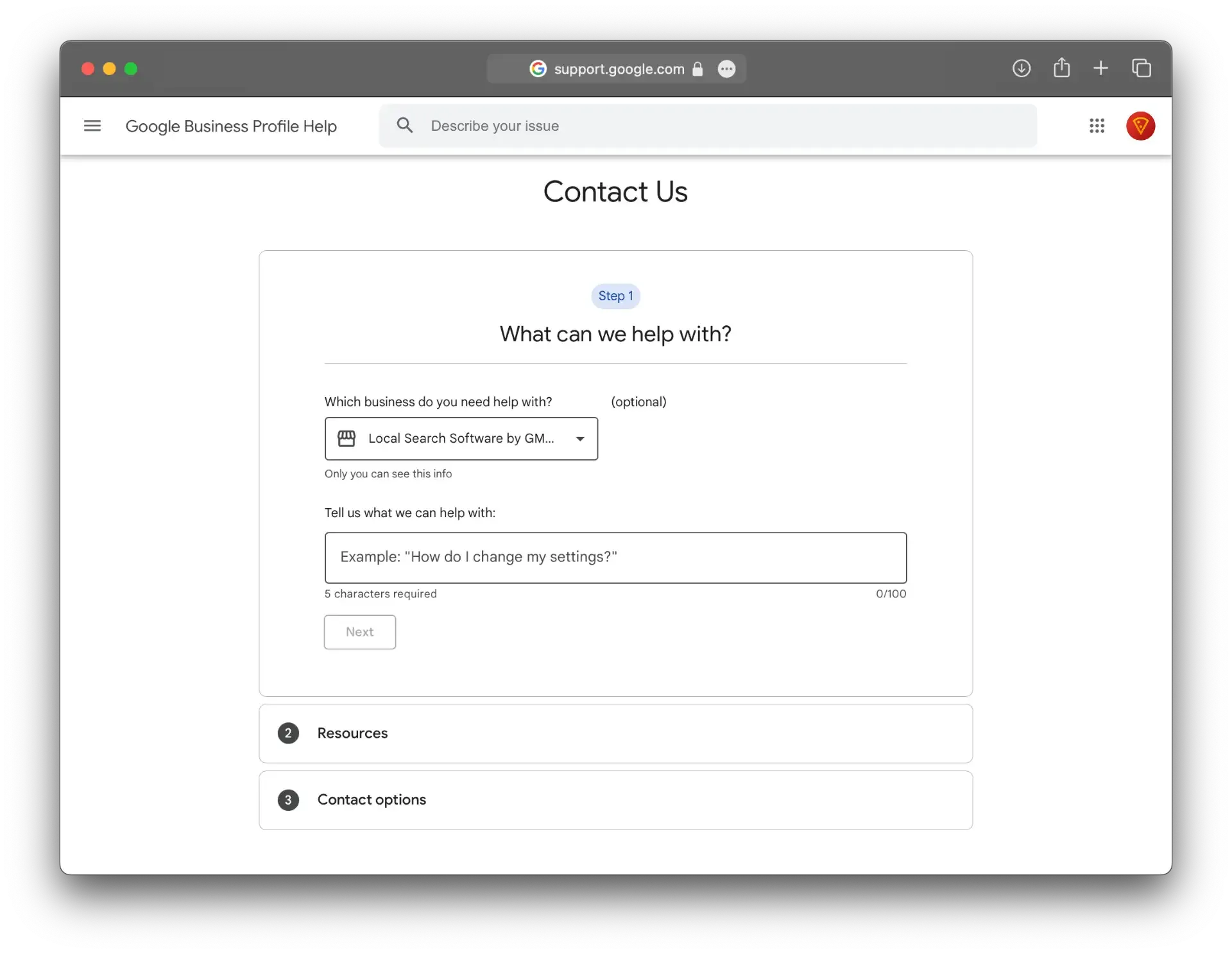
Before making significant changes, contact Google (Business Profile) Support. Or, if you are a large Google Ads customer, inform your account manager and make them complicit in the process. Inform Google about your rebranding efforts and the steps you plan to take, such as updating local listing URLs. This proactive approach can help prevent unnecessary verification processes or disruptions during the rebranding process.
In today’s digital age, maintaining an effective online presence is crucial for businesses of all sizes. For enterprise-size businesses with multiple locations, Google Business Profiles (GBP) is the most important digital asset for connecting with local customers. However, when it comes to rebranding your multi-location GMB accounts, there are several important factors to consider. That is if you do not want to lose your ability to manage these listings in the middle of your rebranding efforts.
1. Logo: A Symbol of Change
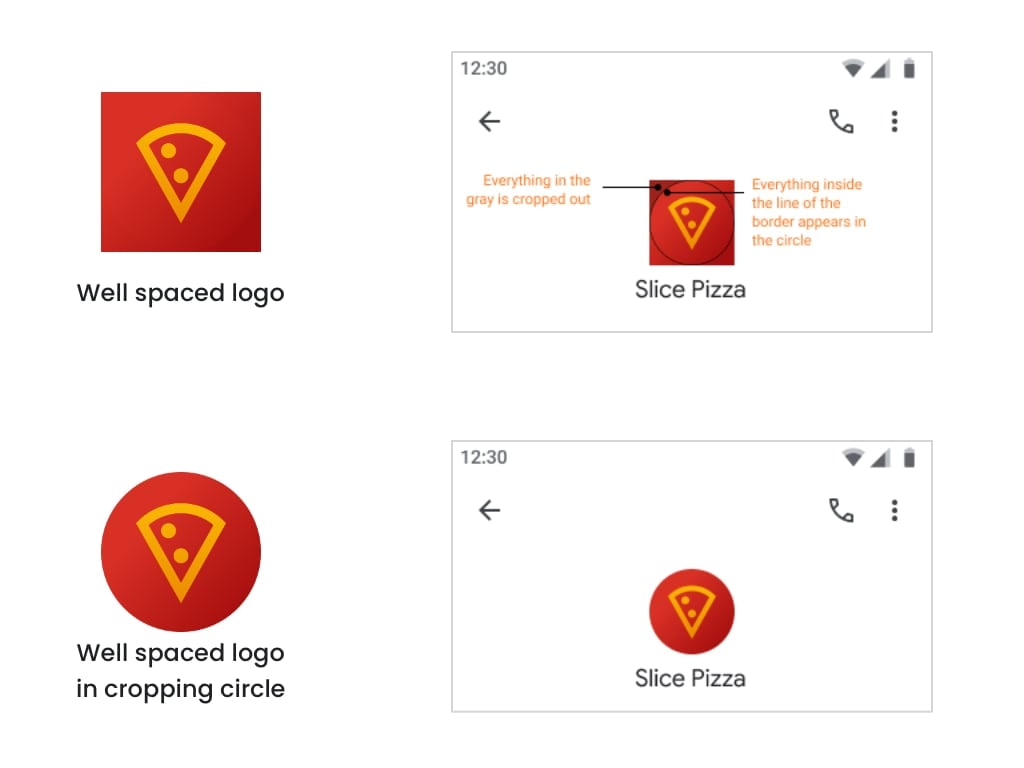
One of the first steps in the rebranding process is updating your business logo. Your logo is an iconic representation of your brand. Updating it across all your GMB locations is vital for consistent branding. Google provides specific guidelines for logos to ensure they display correctly. Be sure to adhere to these guidelines while transitioning to your new logo. Be aware of the circle – it cuts off part of your logo if you do not have the right image format.
2. Description: Tell Your Brand's Story
Your business description is an opportunity to explain your new brand. This description is part of your customer’s journey to your local stores and should talk about the values that drive your (new) brand. Craft a compelling description that conveys the essence of your new identity and what customers can expect from your business.
3. Location Names: Consistency Matters
Ensure that the names of your locations on Google Business Profiles match your rebranded business name. Consistency across all locations helps customers find and recognise your brand easily.
3a. Can I change my Google Business name?
3b. How do I brand my Google Business Profile
Crafting your Google Business Profile
Headline Example
[Your Business Name] – [Your Unique Selling Proposition]
Description Example
[Your Business Name] is a [type of business] that provides [list of services or products]. We are committed to providing our customers with [list of benefits]. Our team of experienced professionals is passionate about [what you love about your business].
Call to action
Visit our website or give us a call to learn more about our services and how we can help you.
4. Other Photos: Showcasing Your New Identity
One of the first steps in the rebranding process is updating your business photos. High-quality images that reflect your new brand identity can create a strong impression on potential customers. Replace old images with fresh ones that align with your rebranding strategy, showcasing your revamped logo, store interiors, and product (or service) photos.
5. Local Listing URLs: The Foundation of Your Digital Presence
Local listing URLs are the digital web addresses of your business locations on Google Maps. During rebranding, updating these URLs to reflect your new website is crucial, but it’s equally important to plan this change carefully. Setting up 301s on the old website is the way to get started on this. Leave the old URLs in your multi-location GBP account for now.
6. Posts: Communicating Your Rebrand
Google Business Profiles allows you to create posts to inform customers about your latest updates, events, and promotions. Take advantage of this feature to communicate your rebranding efforts. Share posts highlighting the changes and improvements you’ve made to your business. If old posts do not align with your new brand image, do multiple posts so you push old posts below the fold.
7. Seek Assistance from Google Support
Before making significant changes, contact Google (Business Profile) Support. Or, if you are a large Google Ads customer, inform your account manager and make them complicit in the process. Inform Google about your rebranding efforts and the steps you plan to take, such as updating local listing URLs. This proactive approach can help prevent unnecessary verification processes or disruptions during the rebranding process.
8. Local Listing URLs: Managing the Transition
Changing local listing URLs can sometimes lead to verification issues or inconsistencies in online presence. To avoid this, you should have set up 301 redirects on your old website before making URL changes on GMB. This step can help maintain your online visibility and prevent interruptions in customer access. If you have done all the previous steps, you can now use the Bulk Upload feature to change the URLs on your multi-location GBP account.
In conclusion, the process of rebranding multi-location Google Business Profiles accounts requires careful planning and precise execution. By focusing on not changing the local listing URLs en masse, but changing logos, posts, descriptions, and location names first, you can effectively convey your new brand identity to your target audience. Setting up 301 redirects and seeking support from Google can ensure a smoother transition and help maintain your online presence throughout the rebranding process.
Remember : Consistency and attention to detail are key when rebranding your multi-location Google Business Profiles accounts.
With a well-thought-out strategy, you can successfully navigate the journey towards establishing a fresh and compelling brand image. If you require expert guidance or practical assistance in the management of your Google Business Profiles, our experienced team can help you make the most of your GBP, please get in touch.
Or try our free 2 week trial of GMBapi.
We also recommend exploring the following articles for further insights:
Bulk uploading images to your multi-location GBP accountDiscover how to effectively enhance the visual appeal of your GBP by unloading a multitude of images and boosting your profile’s visual impact.
The why and how of Product integration in Google Business ProfilesDelve into the benefits and best practices of integrating your products with GBP, turning it into a dynamic tool for showcasing what you offer.
Uploading Services to Your Multi-Location GBP AccountLearn how to highlight your service offering effectively, ensuring that potential customers easily find the information they seek.
How to add Products and Services to Google Business Profile?Gain insights into the step-by-step process of enriching your GBP with detailed products and service listings.